
STP131 Series Operator's Manual provides information on the use, precautions, specifications and parameters of the STP131 series printer
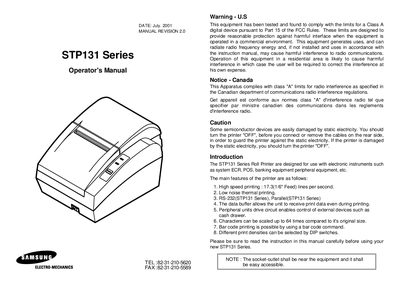
The STP131 Series roll printer is designed for use with electronic instruments such as POS and banking equipment. The manual provides safety warnings, an introduction to the printer's features, and instructions for proper handling to avoid static damage.
The document includes a detailed table of contents covering printer setup, unpacking, cable connections, power supply, paper roll installation, adjustments, usage, hexadecimal dumping, self‑test, code tables, control commands, and appendices with connector information and specifications.
| Printing speed | 17.3 lines per second (1/6" feed) |
|---|---|
| Interfaces | RS‑232 and Parallel |
| Character scaling | Up to 64× |
| Bar code printing | Supported via bar code command |
| Print density selection | Selectable via DIP switches |
It supports RS‑232 and Parallel interfaces.
The printer can print at 17.3 lines per second with a 1/6" feed.
Turn the printer OFF before connecting or removing cables on the rear side.
Yes, bar code printing is possible using a bar code command.