
This document is about AT&T phone's user guide and warranty terms.
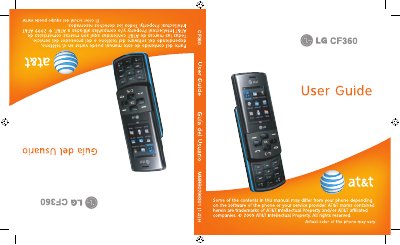
This manual covers everything you need to know to start using the LG CF360, from inserting the SIM and memory cards to navigating the phone’s menus, making calls, and using multimedia features. Safety guidelines and warranty terms are also included to help you protect the device and understand your rights.
The guide is organized with a table of contents that lists sections such as For Your Safety, Phone Components, Getting Started, Phone Features, and Messaging. Detailed instructions and warnings are provided for each function, ensuring proper operation and compliance with AT&T privacy and service policies. This manual is written in Chinese.
| Limited warranty period | 12 months (or 15 months from manufacture date) |
|---|
The limited warranty covers the phone for twelve (12) months from the date of purchase, or fifteen (15) months from the manufacture date if no proof of purchase is available.
No. Only the batteries, antennas, and chargers provided by LG are approved; using other suppliers’ batteries will void the warranty.