
This document introduces the safety and usage information of mobile phones, including keeping away from children, protecting hearing, safe installation, and driving safety.
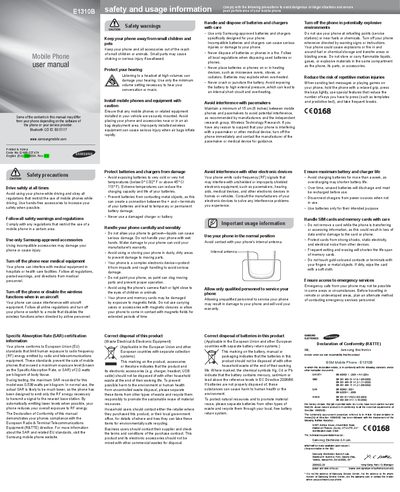
This manual outlines safety precautions for using the Samsung E1310B, including driving restrictions, interference warnings, and proper handling of batteries and accessories. It also details regulatory compliance such as SAR certification and disposal requirements for electronic waste.
The second part of the guide explains the phone’s layout, how to install the SIM card and battery, and step‑by‑step instructions for turning the device on, navigating menus, making calls, sending messages, adjusting volume, setting alarms, and using features like the mobile tracker and fake call function.
| Maximum SAR (recorded) | 0.538 W/kg |
|---|---|
| EU SAR limit | 2.0 W/kg |
| Battery temperature operating range | 0 °C – 45 °C (32 °F – 113 °F) |
| Bluetooth QDID | BO15117 |
The maximum SAR recorded for the device is 0.538 watts per kilogram.
Avoid exposing the battery to temperatures below 0 °C (32 °F) or above 45 °C (113 °F).
Turn off the phone or disable its wireless functions when directed by airline personnel.
Select Settings → Security → Mobile tracker, set a 4‑ to 8‑digit password, and enable the feature.