
This user manual is the operating guide for Samsung Digital HD Set-Top Box, which introduces the operating methods, functional features and precautions of the set-top box
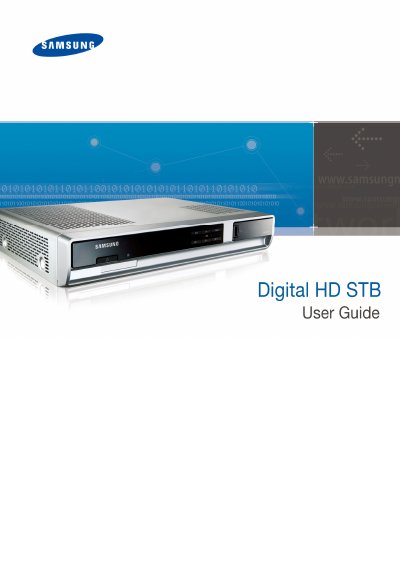
This manual covers safety precautions and proper handling of the Digital HD STB, including power‑plug insertion, avoiding wet hands, and keeping the unit away from flammable materials. It also lists the items included in the package and describes the front and rear panel connectors.
Installation guidance explains how to connect the STB to a TV via composite, component, HDMI, or other interfaces, as well as basic configuration such as rebooting and HD resolution settings. The appendix provides detailed technical specifications and cable specifications for the device.
| Video Output | Composite (RCA), Component (RCA), S‑Video |
|---|---|
| Audio Output | Stereo L/R (RCA), SPDIF Optic, SPDIF PCM (RCA) |
| Rated Input Voltage | AC 120 V, 60 Hz |
| Maximum Power Consumption | 30 W |
| Operation Temperature | 32 °F to 104 °F |
| Dimensions (W × D × H) | 13.78 in × 9.84 in × 2.36 in |
| RF Input Tuning Range | 70 MHz to 130 MHz |
| RF Output Frequency Range | 5 MHz to 42 MHz |
The model number is SMT‑H3050.
Use an HDMI cable to connect the HDMI port on the STB to the HDMI input on the TV.