
This document is the user manual for a Samsung mobile phone. It describes the features and characteristics of the phone, including intellectual property protection and ownership.
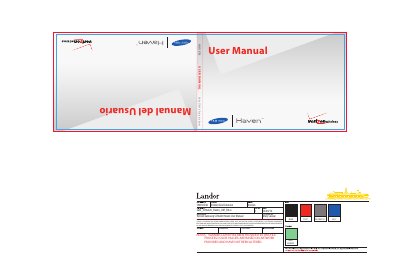
The Samsung SCHu320 Haven User Manual provides step‑by‑step instructions for getting started, using the phone’s features, and maintaining the device. It covers everything from activating service and setting up voicemail to navigating menus, making calls, sending messages, and using multimedia functions.
Safety guidelines, battery handling instructions, warranty details, and regulatory information are included to help users operate the phone safely and keep it in good condition.
| Battery type | Li‑ion rechargeable battery |
|---|---|
| First‑charge time | Up to 4 hours |
| Battery indicator | Four bars = full charge; empty icon blinks and "BATTERY LOW" appears when low |
| Supported batteries | Only Samsung‑approved batteries; non‑supported batteries disabled |
| FCC HAC compliance | Hearing‑Aid Compatibility (HAC) supported |
A fully discharged battery requires up to 4 hours of charge time.
The empty battery icon blinks, a tone sounds, and "BATTERY LOW" appears on the display.
No. Using a non‑supported battery may cause damage and the phone will disable charging.
Four bars are shown in the upper‑right corner of the display.