
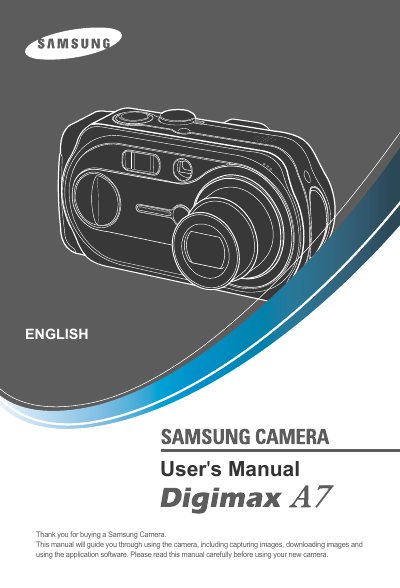
This document is a user manual for Samsung Camera, providing instructions on how to use the camera and its application software.
This manual guides you through installing the camera driver, connecting the camera to a PC, and using the supplied USB cable. It also explains how to insert and remove the memory card, adjust settings with the LCD monitor, and operate the various shooting modes.
Safety warnings, system specifications, and a detailed FAQ are included to help you avoid damage, resolve common issues such as playback problems, and maintain the camera properly.
| Effective Pixel | Approx. 7.0 Mega-pixel |
|---|---|
| Lens focal length | 7.7 ~ 23.1 mm (35mm equiv. 38~114mm) |
| Maximum aperture | F2.7 ~ F4.9 |
| Shutter speed range | 15 ~ 1/2000 sec |
| ISO sensitivity | Auto, 100, 200, 400 |
Remove the unknown device entry, restart the PC, and reinstall the camera driver from the supplied CD.
Install the JPEG decoder from the camera CD and ensure compatible codecs are used; uninstall conflicting codecs if needed.