
User Manual, Introduces the use of the camera, including capturing images, downloading images and using application software
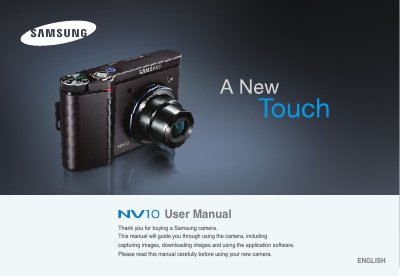
This manual guides users through the basic functions of the Samsung NV10 digital camera, including how to insert batteries and memory cards, connect to a PC via USB, and use the various shooting modes such as AUTO, PROGRAM, MANUAL, and ASR. It also covers the included accessories, driver installation, and software setup for transferring images and video clips.
Safety precautions, warranty information, and detailed troubleshooting steps are provided, along with regulatory notices and disposal instructions. The FAQ section addresses common issues like missing codecs, DirectX requirements, and USB connectivity problems.
| Battery | Rechargeable battery (SLB-0837B) |
|---|---|
| AC Adapter | SAC-45 |
| Memory Card | SD / MMC |
| USB Cable | SUC-C2 |
| Model Number | Samsung NV10 |
Insert the camera’s CD, open the XviD folder and run the XviD‑1.1.0‑30122005.exe file to install the required codec.