
This manual describes the functions and usage of the SMT-i5210 phone, including the layout of the phone, key functions, and phone setup.
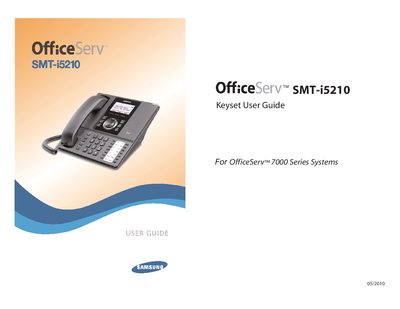
This guide covers everything you need to know to install and use the Samsung SMT-i5210 keyset, part of the OfficeServ 7000 Series. It begins with safety cautions and preparation steps, then walks you through phone installation, power connection (including PoE support), and optional accessories such as the Gigabit Adapter and wall‑mount bracket.
Subsequent sections describe the phone’s layout, key functions, menu navigation, and frequently used features like call handling, speed‑dial, and voicemail. The manual also details system‑wide OfficeServ 7000 features, application notes, and a full list of feature access codes and programming options.
| Power Adapter | Sold separately |
|---|---|
| Power over Ethernet (PoE) | Supported |
| Gigabit Adapter | Optional |
| Wall‑Mount Bracket | Optional |
Use the supplied power adapter and connect it to the phone’s power port; the adapter is sold separately.
Run the Easy Install Wizard and select the Static IP option during setup.
Press the Hold button during a call; the call will be placed on hold and can be retrieved later.