
This document is the user manual for Samsung S1 Mini and S2 Portable external hard drives
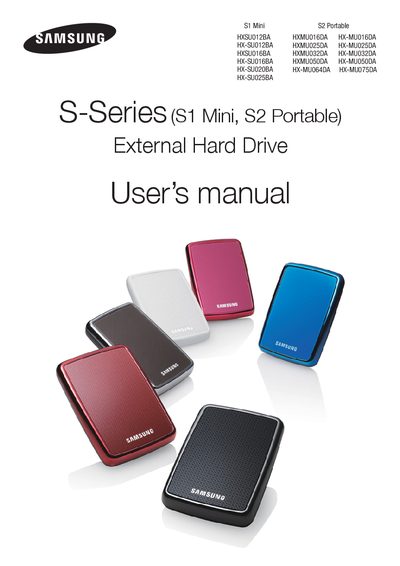
This manual explains how to safely handle, install, and use the Samsung S-Series External Hard Drive, a high‑performance USB 2.0 portable storage device. It includes handling precautions, connection steps, software features such as Samsung Auto Backup and SecretZone™, and troubleshooting guidance.
Key sections cover handling precautions (e.g., avoid magnets, humidity, and cable damage), installation (USB bus power and cable connection), specifications, software installation, data backup, and warranty details. The manual also advises regular virus scanning and proper data backup practices.
| Category | $1 Mini $2 Portable |
|---|---|
| Interface | High Speed USB |
| Transfer Rate | 480 Mbps Max. |
| Power | USB Host Power |
| Operating System (Windows) | Windows 2000 Pro/ XP / Vista /7 |
| Operating System (Mac) | Mac OS X 10.4.8 or Later |
| Hard Disk Capacity | 120GB / 160GB / 200GB / 250GB 60GB / 250GB / 32068 / 500GB / 64068 / 7506B |
| Dimensions (Mini) | 62mm x 15mm x 87mm |
| Dimensions (Portable) | 82mm x 17mm x 111mm |
| Color Options | Black / White / Red / Brown / Blue / Pink |
| Format System | FAT32 |
The limited warranty lasts three (3) years from the documented date of purchase.