
Introduces the initial setup instructions for ThinkPad Edge E120 and E125 notebooks, including installing the battery, power connection, power on, operating system configuration, etc.
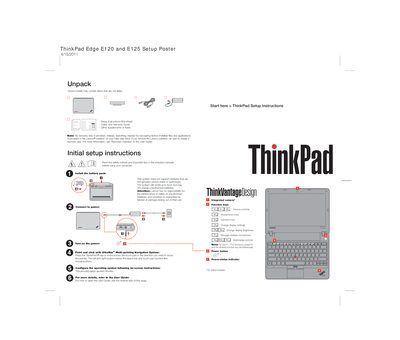
This poster provides concise instructions for unpacking, installing the battery, powering on, and using the UltraNav® touchpad and function keys on the ThinkPad Edge E120 and E125. It also highlights safety warnings, such as avoiding unauthorized batteries and protecting against heat from the computer and AC adapter.
For detailed information, the poster points users to the full User Guide, Safety and Warranty Guide, and Lenovo support web pages where PDFs can be downloaded. It also includes tips for getting help and service, including phone numbers and online FAQs.
| Supported battery | Only genuine Lenovo-made or authorized batteries |
|---|---|
| Part number | OAQS859 |
Create a recovery disc to restore factory‑installed files and applications.
Press the Fn key together with the desired function key.
Open the reverse side of the poster or visit Lenovo's support website to download the PDF.