
DCT4+ Standalone Unlocker v0.3 is a tool for unlocking Nokia DCT4+ phones. It allows direct unlocking with Genie-Universal without the need for a PC.
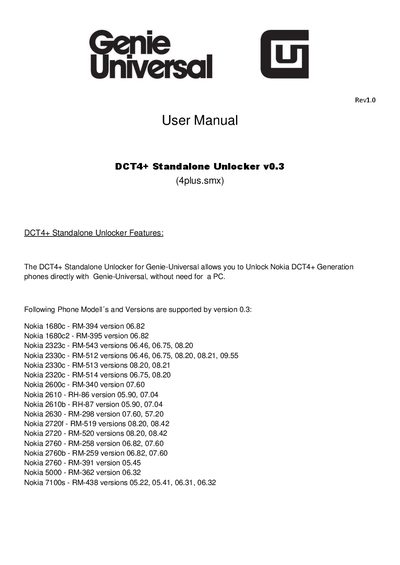
The DCT4+ Standalone Unlocker v0.3 enables unlocking of supported Nokia DCT4+ phones directly on a Genie‑Universal device without a PC. It requires the latest Genie‑Universal OS firmware (v.0.0.0.183r) and provides a simple USB‑disk mode connection for installation.
The manual guides you through downloading the installer, selecting components, installing the software, updating the device firmware, and running the 4plus.smx script to unlock phones. Contact information for support is provided at the end of the document.
| Required OS firmware version | v.0.0.0.183r |
|---|---|
| Installation space required | 19.2 MB |
You must have the latest Genie‑Universal OS firmware version v.0.0.0.183r installed.
Power on the Genie‑Universal, go to MENU → PROGRAMS/SCRIPT and run “4plus.smx”.
Connect the charger, press the right Function‑Button (Mode) and select “FIRMWARE UPDATE”.
The installer requires about 19.2 MB of free space.