
This user guide describes the functions and usage of the Nokia 2125 phone.
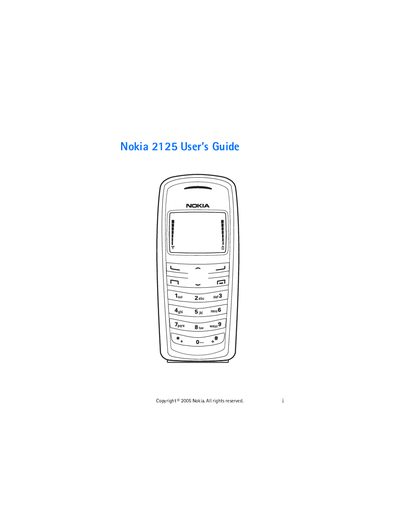
This guide begins with safety information, device overview, and hardware details such as the Pop‑Port connector and battery handling. It also covers regulatory and export control notices, and explains the phone's network compatibility with CDMA 800/1900 bands.
The remainder of the manual describes everyday use: making and receiving calls, sending text messages, managing contacts, using voice tags, browsing the internet, connecting to a PC via Nokia PC Suite, and customizing settings, profiles, and security options. Maintenance topics such as battery care, factory reset, and safety precautions are also included.
| Network compatibility | CDMA 800 and 1900 |
|---|---|
| Connector | Pop‑Port |
Install Nokia PC Suite and use the phone’s Pop‑Port connector to link the device, allowing the phone to function as a modem.