
This document is the Nokia M11 ADSL router user's manual
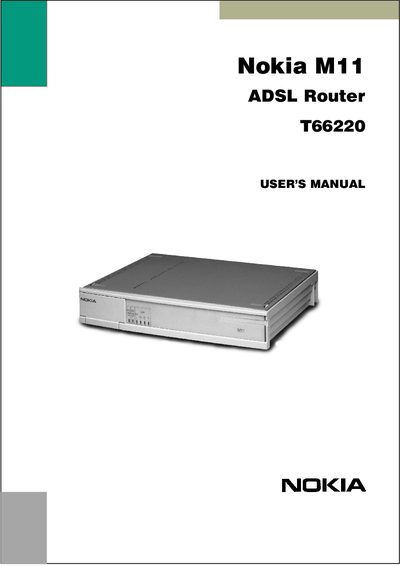
This manual introduces the Nokia M11 ADSL Router, describing its applications, features, and supported interfaces such as Ethernet and ADSL. It explains indicator lights, default settings, and provides a glossary of networking terms.
The guide walks users through installation steps, including cable connections, web‑based configuration, and command‑line interface usage. It also covers management via a browser, NAT pinhole setup, SNMP, PPP over ATM, and troubleshooting common connectivity issues.
| Ethernet Interface | 10Base‑T |
|---|---|
| ADSL Line Interface | Supported |
| Front Panel Indicator Lights | STA, DSL, LAN |
| STA Indicator | M11 status |
| DSL Indicator | ADSL line status |
| LAN Indicators | Present |
| SNMP Support | Available |
| NAT Pinhole | Configurable |
Connect the cables as described in Step 1a: Connect cables (data services only).
Open a web browser and connect to the M11; see Step 4a for the password‑disabled procedure.
The DSL indicator light displays the ADSL line status.