
This is an installation manual for a network camera, providing instructions and precautions for installation and operation.
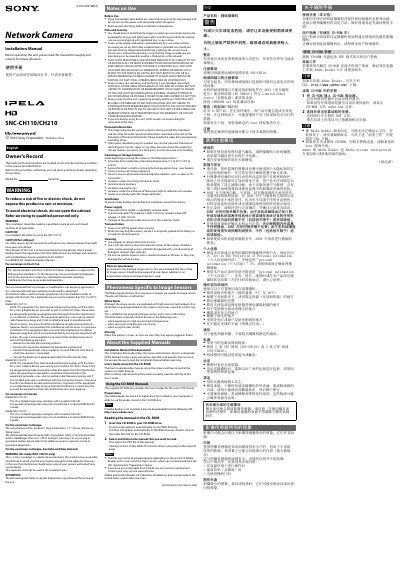
The guide explains how to install and configure Sony's SNC-CH110 and SNC-CH210 network cameras. It covers safety precautions, wiring, mounting, and basic operation settings.
Detailed sections describe the parts and functions, required network cable types, power over Ethernet requirements, and recommended inspection procedures. The manual also includes a specifications table and a list of supplied accessories.
| Maximum frame rate | 30 fps (1280 × 720) |
|---|---|
| Effective picture elements (CH110) | Approx. 1,280,000 |
| Effective picture elements (CH210) | Approx. 3,270,000 |
| Minimum illumination (CH110) | 5.0 lx |
| Lens focal length (CH110) | 2.34 mm |
| Power consumption | 2.4 W |
| Operating temperature | 0°C~50°C |
| Dimensions | ø44 mm × 93 mm |
Use a shielded LAN cable, category‑5 (STP) for the SNC‑CH110.
Turn on the power while holding down the reset switch with a pointed object.
Power is supplied over Ethernet (PoE) using IEEE 802.3af‑compliant devices.
The cameras operate between 0 °C and 50 °C.