
Sony Handycam is a portable camcorder with automatic settings and easy operation. It supports different types of discs and memory sticks, allowing for video recording on discs, viewing imported images, creating DVDs, or copying discs. It also features a memory stick slot and USB slot for convenient data transfer and playback.
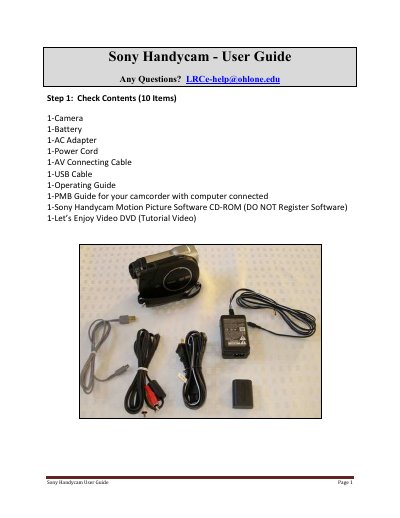
This guide walks you through the basic setup of a Sony Handycam, starting with a checklist of included items and instructions for inserting recording media. It explains how to charge the battery, use the automatic disc access, and operate the camera in Easy Mode.
Additional sections cover how to use the LCD buttons for filming, transfer video with the supplied software CD, finalize DVDs for playback on other devices, and locate the Memory Stick and USB slots for extra functionality.
| Supported recording media | 8 cm DVD‑RW, DVD‑+RW, DVD‑R, DVD‑+R DL, Memory Stick Pro Duo |
|---|
Use the power cable to charge the battery.
You can use 8 cm DVD‑RW, DVD‑+RW, DVD‑R, DVD‑+R DL, or a Memory Stick Pro Duo.
Press the automatic Open Access button; do not force the door open.