
This manual explains the operation of the HDR-CX12
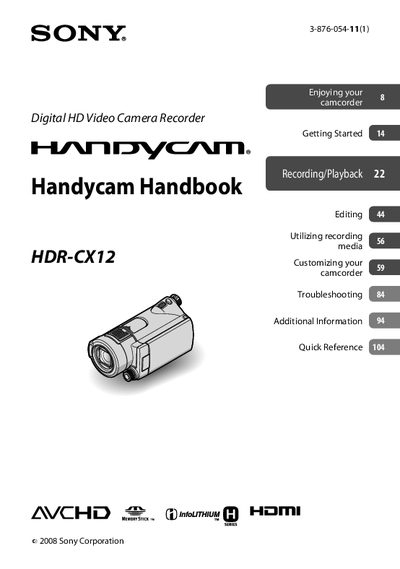
This handbook guides you through getting started with the HDR-CX12, including checking supplied items, charging the battery, setting date and time, and inserting a Memory Stick PRO Duo. It also explains how to customize settings, use the various recording modes, and connect the camcorder to external devices.
Additional sections cover troubleshooting tips, safety precautions, and detailed information on the Carl Zeiss lens, AVCHD video format, and supported memory cards. A quick reference section lists all controls and indicators for fast access.
| Supported memory card | Memory Stick PRO Duo or PRO‑HG Duo, 1 GB or larger |
|---|---|
| LCD screen pixel operability | over 99.99 % of pixels operational |
| Video recording format | AVCHD 1920 × 1080/60i |
| Default AVCHD setting | 1440 × 1080/60 % (HD SP) |
| TV color system requirement | NTSC |
Only Memory Stick PRO Duo or Memory Stick PRO‑HG Duo of 1 GB or larger are supported.
No, the camcorder is not dustproofed, dripproofed, or waterproofed.
Use the on‑screen display language setting before operating the camcorder.
It records in AVCHD format at 1920 × 1080/60i for high‑definition video.