
This document is the operating instructions manual published by Sony Corporation. It provides information on the usage precautions of the XDR-F1HD FM/AM digital tuner, including fire prevention, electric shock prevention, and water resistance.
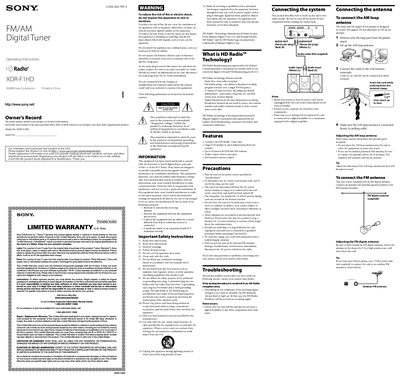
This manual provides complete operating instructions for the Sony XDR-F1HD digital tuner, including safety warnings, warranty details, and step‑by‑step procedures for installation, antenna connection, remote control use, and tuning. It also contains troubleshooting tips and a full list of technical specifications.
The guide covers how to set the clock, program presets, adjust display brightness and contrast, use the sleep timer, and perform a factory reset. Additional information on battery replacement for the remote commander and FCC compliance is also included.
| Frequency range (FM) | 87.5 – 108 MHz |
|---|---|
| Frequency range (AM) | 530 – 1,710 kHz |
| Audio output level | 0.7 V RMS at 47 kΩ |
| Power requirements | 120 V AC, 60 Hz |
| Dimensions | ≈ 180 × 60 × 160 mm (W × H × D) |
| Mass | ≈ 1.1 kg |
| Antenna terminals | 75 Ω FM, AM terminal for AM |
Press MENU to show the menu display, then select “TIME SET?” and press ENTER; set the hour and minute using the SELECT buttons and confirm with ENTER.
With normal use the batteries should last about six months before needing replacement.
Tune to the desired frequency, hold ENTER for a few seconds, press PRESET + or ‑ to choose a preset number, then press ENTER to store the station.
Press DISPLAY, then select “BRIGHTNESS” and adjust the level with the SELECT buttons before confirming with ENTER.