
SOYO X570-PLUS Motherboard User Manual, introduce the characteristics of the motherboard, such as power management, product list, motherboard structure, I/O backplane interface, etc.
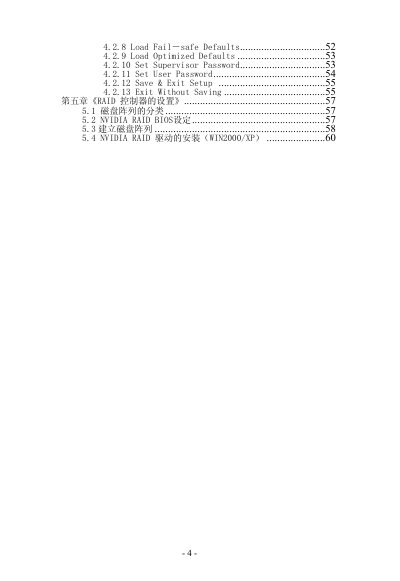
The guide walks users through BIOS configuration, RAID controller setup, and power‑management options. It includes sections on loading defaults, setting passwords, and installing NVIDIA RAID drivers for Windows systems.
Hardware information covers the ATX 4‑layer PCB design, board dimensions, and a complete list of I/O ports and accessories supplied with the motherboard. This manual is written in Chinese.
| Power Management Standards | ACPI 1.0, APM 1.2 |
|---|---|
| Power‑On Modes | Supports S1 (POS) mode, network/modem wake‑up, timed power‑on |
| Form Factor | ATX, 4‑layer PCB |
| Board Dimensions | 293 mm × 220 mm |
| I/O Ports | PS/2 mouse, PS/2 keyboard, USB1/2, printer, SPDIF‑out, SPDIF‑in, COM1, RJ45, USB2/3, front‑audio out, audio‑in, microphone |
It supports ACPI 1.0 and APM 1.2, as well as S1 (POS) mode, network and modem wake‑up, and timed power‑on.
The board measures 293 mm by 220 mm.
The motherboard includes PS/2 mouse and keyboard ports, USB1/2 and USB2/3 ports, a printer port, SPDIF‑out and SPDIF‑in, COM1, RJ45, front‑audio out, audio‑in, and a microphone jack.