
This document is the first edition of the user manual for NEC N109 mobile phone, which introduces the publishing company, copyright, emergency phone services, general precautions, etc.
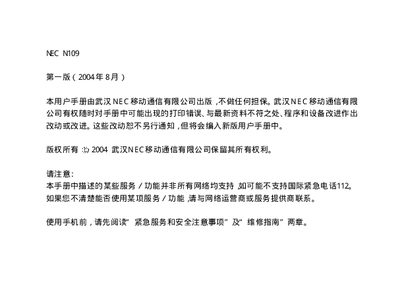
This manual explains how to safely use the NEC NI109 mobile phone, covering emergency services, handling, storage, and environmental precautions. It also details regulatory compliance and warranty information.
The document is organized into chapters covering getting started, input methods, basic operation, phone settings, phonebook, browser, messages, camera, data management, accessories, games, SIM services, technical specifications, and a repair guide with troubleshooting tips. This manual is written in Chinese.
| SRRC approval code | 2004CP1272 |
|---|---|
| Phone standard | QANM005 |
| Battery standard | GB/T 18287-2000 |
| Charger standard | Y D/T 998-1999 |
Press 112 to dial an emergency number.
Turn off the phone and remove the battery before using it on an aircraft.
The touchscreen pen may not be calibrated; calibrate the pen as described in the user manual.
Check the SIM card status, ensure it is properly installed, and contact your network provider if needed.