
NP16 Reading Machine User Manual, mainly introduces the use of reading machine, including power on, book file selection, book positioning, quick page selection, reading learning and other contents.
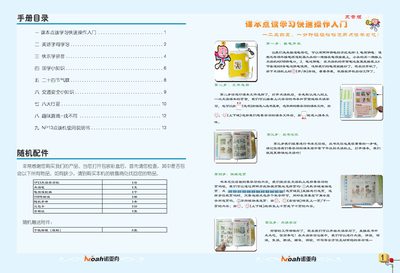
This manual introduces the NP13 point‑reading learning machine, covering safety precautions, basic knowledge, and installation steps. It explains how to power the device with an AC adapter or AA batteries, insert textbooks, and navigate the main menu.
Detailed sections describe volume control, page selection, file download, system upgrade, common fault troubleshooting, technical specifications, and after‑sales service information. The guide also includes environmental usage guidelines and regulatory notices. This manual is written in Chinese.
| Model | NP13 |
|---|---|
| Display | 1.8‑inch TFT color screen, 128 × 160 dots |
| Speed adjustment levels | 5 levels |
| USB interface | Standard USB |
Press the “Select Book” button to open the book selection menu, then choose the desired textbook file and confirm.