
This is an electronic dictionary, which contains English-Chinese, Chinese-English dictionaries, business cards, notes, personal finance, travel reminders and other notes functions
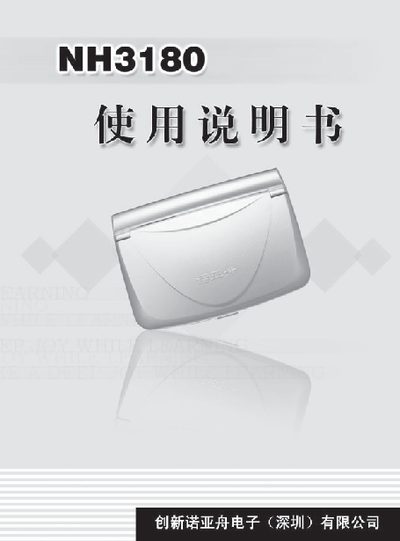
This manual covers the basic operation of the NH3180 electronic dictionary, including key functions such as bilingual dictionaries, business card management, memo and calendar tools, calculator, unit conversion, entertainment games, and English learning modules. Detailed explanations of each function, key layouts, input methods, and system settings are provided.
The document also lists technical specifications, safety precautions, battery information, and procedures for PC data transfer and system reset. Appendices include input method code tables, a five‑stroke keyboard diagram, and a simple troubleshooting guide. This manual is written in Chinese.
| Model | NH3180 |
|---|---|
| Power | 2 AAA batteries (main) + 1 CR1220 button cell (auxiliary) |
Press the RESET key and then select the “N” key.
It uses two AAA batteries as the main power source and one CR1220 button cell as an auxiliary battery.
Connect the transmission line between the device and the PC, then click the “Start” button on the PC communication interface.