
Key facts
- Brand
- Noah
- Model
- NP13
- Category
- Other Electronics
- Documents
- 2
- Languages
- ZH
- Last added
- 2012-04-12
Start here
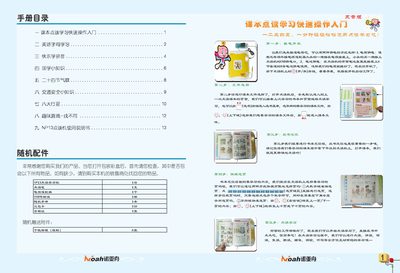
Noahedu NP13 Point-Reading Learning Device User Manual
The Noahedu NP13 is a point‑reading learning machine that uses a stylus to read textbooks and interactive content. This manual explains how to power the device, install batteries or an external adapter, and connect it to a computer for file transfers.
It also describes the menu structure, how to select textbooks, use the various learning modules (such as alphabet, pinyin, and video lessons), perform system upgrades, and resolve common issues. This manual is written in Chinese.
Noah NP13 specifications
| Memory Capacity | 26GB (16Gb) |
|---|---|
| Display | 1.8‑inch TFT color screen, 128×160 dots |
| Power Supply | DC 5 V 900 mA adapter or 4× AA batteries |
| Speed Adjustment Levels | 5 levels |
| USB Interface | Standard USB |
| Dimensions | 320 mm × 264 mm × 32 mm |
Source: Noahedu NP13 Point-Reading Learning Device User Manual
All Noah NP13 documents by type
Day-to-day operation, settings and troubleshooting. Start here if the product is already set up.
Questions answered in these manuals
How do I select a textbook?
Press the “Select Book” button to open the book selection menu, then choose the desired textbook file and confirm.
From: Noahedu NP13 Point-Reading Learning Machine User Manual