
This document is the user manual for NP18 reading pen, which introduces the precautions, basic knowledge, installation operation, basic usage instructions, specific function operations, common troubleshooting, technical specifications, after-sales service, and environmental protection instructions.
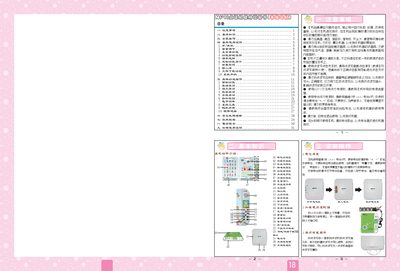
This manual explains how to install the NP18 point‑reading pen, replace its AA batteries, and connect it to a computer via USB. It also describes the device’s main interface, including the featured function zones such as the pet playground, dictionary area, and learning modules.
The guide covers system tools like automatic shutdown, screen calibration, and firmware upgrades, and provides troubleshooting tips for common issues such as low battery warnings and USB connection problems. This manual is written in Chinese.
| Internal storage | 2 GB (16 Gb) |
|---|---|
| Display | 2.4‑inch TFT, 240 × 320 pixels |
| Power input | 5 V / 900 mA |
| Battery type | 4 × AA (5 V) |
Open the battery compartment, insert four AA batteries with the correct polarity, and close the cover.
Download the upgrade package from the Noahedu website, copy it to the device via USB, then select “System Upgrade” in the System Tools menu and press the Ga key to start the upgrade.