
This document is a quick operation guide for the DZ-BD9H model, providing instructions on setting up the battery pack, charging status, turning on the power, and changing the display language.
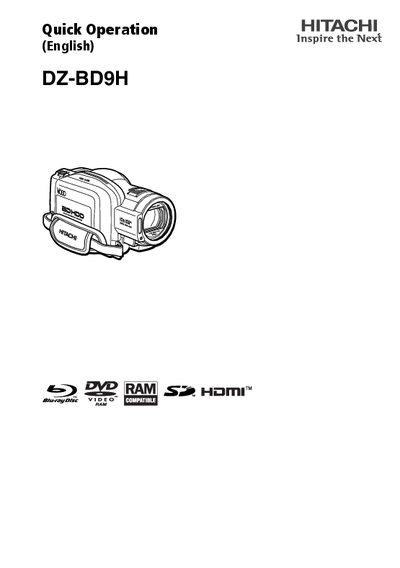
This guide shows how to set up and operate the Hitachi DZ‑BD9H camcorder. It includes steps for installing the battery pack, turning the device on, changing the display language, and configuring date and time settings.
It also explains how to insert and remove BD/DVD discs and memory cards, outlines recording techniques, and describes how to select and reset shooting modes for various shooting conditions.
Press the menu button, select "English" by pressing the PPI button, and confirm with the confirmation button.
Open the menu, choose "Date Setup", then select "Date Set" and adjust year, month, day, hour, minute, and AM/PM before confirming.
Close the lid, turn the power switch to "J", press the disc eject switch until the access/PC indicator lights, then place the disc face‑down and push down on its center until it clicks into place.