
This document introduces the features and characteristics of the GV-N560UD-1GI/ GV-N560OC-1GI NVIDIA® GeForce TM GTX 560 Ti graphics card produced by GIGABYTE TECHNOLOGY CO., LTD. The graphics card uses a PCI Express 2.0 interface and has 1GB GDDR5 3D memory. It supports DirectX 11 and NVIDIA SLI technology, and has 2 dual-link DVI-I ports and 1 mini HDMI port. It supports HDCP 1.2. The graphics card requires a minimum 500W power supply, supports Intel Pentium 4 and AMD Athlon XP-class processors, requires a minimum of 2GB memory, and supports Windows 7, Windows Vista, and Windows XP operating systems.
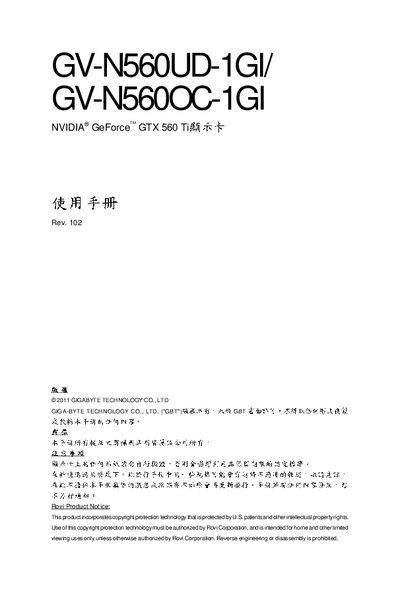
This manual introduces the Gigabyte GV‑N560UD 1GL and GV‑N560OC 1GL graphics cards, highlighting key features such as PCI Express 2.0 support, 1 GB GDDR5 memory, DirectX 11, Dual‑Link DVI‑I, mini‑HDMI and HDCP. It also explains the requirements for power supply, CPU, RAM and compatible operating systems.
Installation instructions cover safety precautions, anti‑static handling, and step‑by‑step procedures for inserting the card into a PCI Express x16 slot. The guide also details SLI configuration, including the need for identical cards, an SLI‑capable motherboard, and a sufficient power supply. This manual is written in Chinese.
| Interface | PCI Express 2.0 |
|---|---|
| Memory | 1 GB GDDR5 |
| Graphics API | DirectX 11 |
| SLI Support | Yes |
| Display Outputs | 2 × Dual‑Link DVI‑I, 1 × mini‑HDMI |
| HDCP | Supported |
| Power Supply Requirement | ≥ 500 W |
| Supported Operating Systems | Windows 7, Vista, XP |
A power supply of 500 W or higher is required.
Turn off the computer, unplug the power cord, use an anti‑static wrist strap, place the card on an anti‑static mat, and insert it firmly into the PCI Express x16 slot.