
This document introduces the common failure phenomena and troubleshooting methods of the EPRC10-ST solar power controller, and provides the technical specifications and main features of the product.
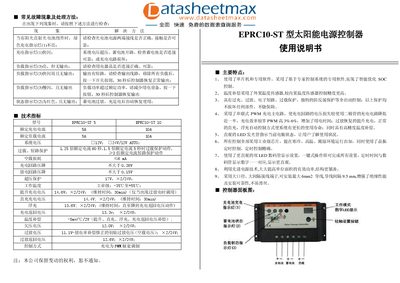
This manual describes the features and specifications of the EPRC10-ST solar power supply controller, including PWM charging, temperature compensation, and various protection functions such as over‑charge, over‑discharge, short‑circuit, overload and reverse‑polarity protection. It also explains the LED indicators that show charging status, battery condition and load status.
Installation steps cover secure mounting, wiring of the battery, solar panel and load, and the use of the one‑key touch switch for all settings. Operating instructions detail how to interpret the indicator lights, select working modes, and adjust timing and output modes. A troubleshooting section lists common fault symptoms and their corrective actions. This manual is written in Chinese.
| Model | EPRC10-ST |
|---|---|
| Rated charging current | 5 A (EPRC10-ST 5) / 10 A (EPRC10-ST 10) |
| Rated load current | 5 A (EPRC10-ST 5) / 10 A (EPRC10-ST 10) |
| System voltage | 12 V; 24 V/12 V AUTO |
| Overload protection time | 5 s at 1.5× rated current |
| Short‑circuit protection | At rated current |
| No‑load loss | 6 mA |
| Charging circuit voltage drop | ≤0.26 V |
| Discharging circuit voltage drop | ≤0.15 V |
| Operating temperature range | -35 °C to +55 °C |
| Control method | PWM (pulse‑width modulation) |
Press the switch button once; after about 30 seconds the controller restores normal output.
When the solar panel receives sunlight, a steady green charging indicator shows that the charging circuit is operating normally.
Press and hold the switch button for 5 seconds; the mode number flashes on the LED. Release the button and press it repeatedly to cycle through the numbers until the desired mode appears.
Temperature compensation is –5 mV per degree Celsius for boost, float and charge‑return voltages.