
DMT142 Dewpoint Transmitter User's Guide, introduces the features and usage of the product
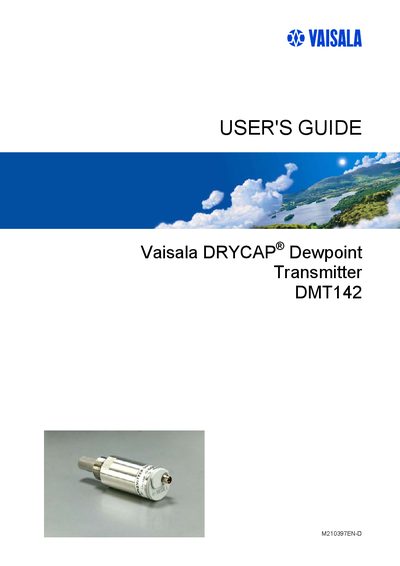
This guide covers all aspects of the Vaisala DMT142 dewpoint transmitter, including general information, product overview, functional description, and detailed installation instructions. It explains how to select a location, perform wiring, mount the device, and connect optional sampling cells.
The manual also describes the serial interface commands, routine maintenance procedures, troubleshooting of error states, and provides full technical specifications such as dimensions, output options, and environmental limits. Contact information for Vaisala service centers is included for further support.
Chapter 5 lists serial commands for basic settings, unit selection, output scaling, firmware version output, pressure compensation, and measurement control.
Chapter 4 provides installation guidance, including location selection, wiring, mounting, direct pipeline measurement, and optional sampling cells.
Chapter 8 contains the technical data, including general specifications, output specifications, dimensions, and wiring references.