
This user guide introduces the safety use, operation settings and troubleshooting of 3500-4500 series printers.
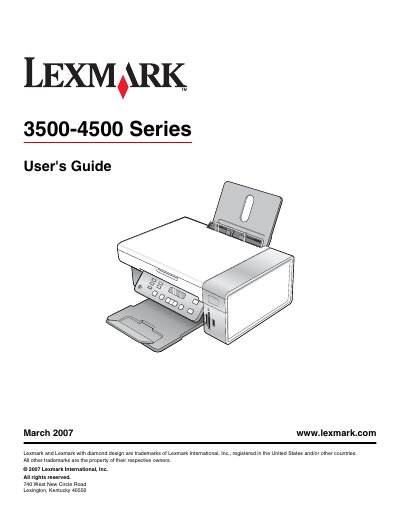
This guide covers everything you need to know to install and use the Lexmark 3500-4500 Series printer. It includes safety information, hardware setup, software installation, and detailed instructions for printing, copying, scanning, faxing and connecting to a network.
Later sections describe how to load paper and media, adjust print quality, perform routine maintenance, replace cartridges, and troubleshoot common problems such as paper jams, error messages, and power‑button issues.
Use the Quick Setup sheet included in the printer box or download it from the Lexmark website.
Check the troubleshooting section of the guide, which lists "Power button is not lit" as a known issue.
Follow the "Installing the printer on a network" instructions in the guide.