
Lexmark Z25, Z35 Color Jetprinter is a inkjet printer produced by Lexmark company, which supports Windows 98, Windows Me, Windows 2000, Windows XP, Mac OS 8.6, 9.2 and Mac OS X 10.0.3, 10.1 operating systems
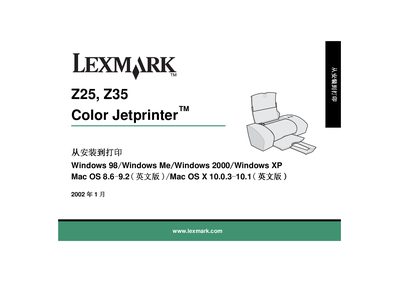
This manual covers the steps needed to install and set up the Lexmark Z25/Z35 Color Jetprinter, including connecting the power supply, USB cable, and installing ink cartridges. It also contains safety guidelines, compliance information, and troubleshooting tips.
The document lists supported operating systems, required accessories, and part numbers for the black and color ink cartridges, helping users get the printer up and running quickly.
| Power supply | Use only the Lexmark power supply provided with the product |
|---|---|
| Supported operating systems | Windows 98/Me/2000/XP, Mac OS 8.6‑9.2, Mac OS X 10.0.3‑10.1 |
| Supported operating systems (Mac) | Mac OS 8.6‑9.2 (English) and Mac OS X 10.0.3‑10.1 (English) |
Only the Lexmark power supply that comes with the printer or an authorized Lexmark replacement may be used.
The printer works with Windows 98, Windows Me, Windows 2000, Windows XP, Mac OS 8.6‑9.2 (English), and Mac OS X 10.0.3‑10.1 (English).