
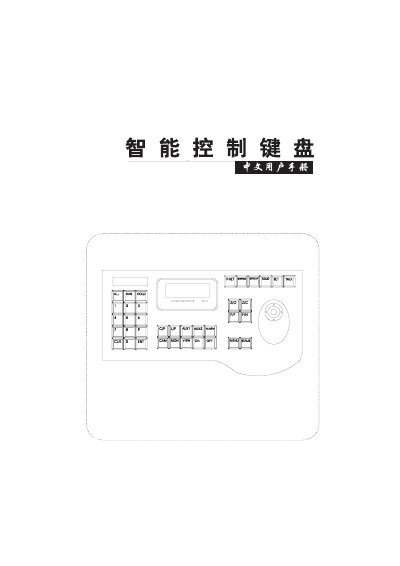
The manual begins with safety precautions and installation guidelines, emphasizing proper mounting, avoiding moisture, using the specified power supply, and not attempting unauthorized repairs. It also outlines the required wiring using RS‑485 and the 9‑15 VDC power input.
Subsequent sections describe how to set up the keyboard, select cameras, operate the joystick and function keys, configure OSD menus, set preset points (up to 80 per camera), and use PTZ pattern‑scan modes. Technical parameters such as temperature range, humidity limits, dimensions, weight, and communication baud rate are listed at the end. This manual is written in Chinese.
| Working temperature | 0‑40 °C |
|---|---|
| Storage temperature | -5‑55 °C |
| Working humidity | 10‑75 % |
| Storage humidity | 10‑95 % |
| Dimensions (L×W×H) | 338 mm × 180 mm × 45 mm |
| Weight | 550 g |
| Power supply voltage | 9‑15 VDC |
| Baud rate | 4800 BPS |
| Maximum controllable cameras | 255 |
| Maximum preset points per camera | 80 |
It can control up to 255 cameras.
Each camera can have up to 80 preset points.
The keyboard requires a 9‑15 VDC power supply.
The device communicates at 4800 BPS.