
Key facts
- Manuals
- 2
- Categories
- 1
- Languages
- ZH
- Last added
- 2012-04-01
Featured 智能控制键盘 manuals
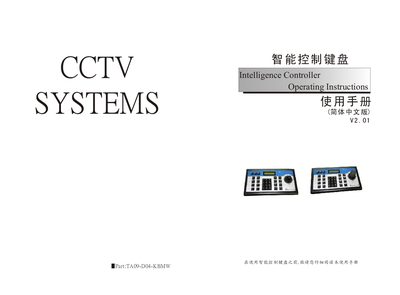
Intelligence Controller Keyboard User Manual
This manual provides step‑by‑step instructions for installing and operating the Intelligence Controller keyboard. It describes the front‑panel keys, LCD indicators, and connection interfaces, and explains how to switch between DVR control mode and PTZ (pan‑tilt‑zoom) control mode.
The document also details configuration procedures such as setting baud rate, password management, and preset point programming. Safety warnings and handling guidelines are included to prevent damage to the device in humid or dusty environments. This manual is written in Chinese.
Covers: 功能介绍 · 安装说明 · 控制DVR · PTZ控制模式 · 键盘操作说明 · 液晶显示
Latest 智能控制键盘 manuals
intelligence control Keyboard user manual
Intelligence Controller Keyboard User Manual
User Manual 8 pages · 496 KB · ZHOperating instructions for the Intelligence Controller keyboard, covering installation, key functions, and configuration settings.
Which document do I need?
User Manual
Day-to-day operation, settings and troubleshooting. Start here if the product is already set up.
Questions answered in 智能控制键盘 manuals
How can I set a password for the controller?
Use the SETUP key to enter password setting mode, then enter a 4‑digit password (default 8888) and confirm with the ENTER key.