
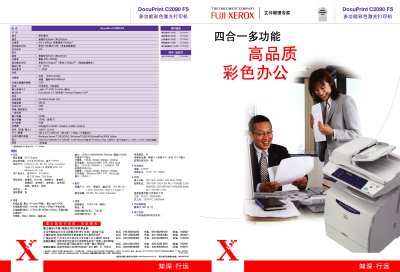
This manual covers the key features of the DocuPrint C2090 FS, a compact 4‑in‑1 color laser printer designed for small office environments. It details printing, copying, scanning, and fax functions, along with network connectivity and software integration such as DocuWorks 5.0 and Scan ToolBox.
Technical specifications, installation steps, and usage guidelines are provided, including print speeds, resolution, paper handling capacities, memory options, power requirements, and supported interfaces (USB, Ethernet, Wi‑Fi). The document also lists warranty information and contact details for Fuji Xerox service centers in China. This manual is written in Chinese.
| Print speed (color) | 5 ppm |
|---|---|
| Print speed (black & white) | 256 ppm |
| Print resolution | 600 x 600 dpi (up to 2400 dpi) |
| First page output time (color) | 21 seconds |
| Scanning resolution | up to 1200 x 1200 dpi |
| Memory (standard / maximum) | 96 MB / 352 MB |
| Paper input capacity | 200 sheets |
| Paper output capacity | 250 sheets |
| ADF capacity | 50 sheets |
| Dimensions (W×D×H) | 498 x 475 x 685 mm |
| Power consumption (100‑120V) | 740 W |
| Power consumption (220‑240V) | 790 W |
The printer can print up to 5 pages per minute in color and up to 256 pages per minute in black and white.
It offers optical scanning resolution up to 1200 × 1200 dpi.