
DocuCentre-IV C2260 Series is a truly high productivity, truly affordable color machine.
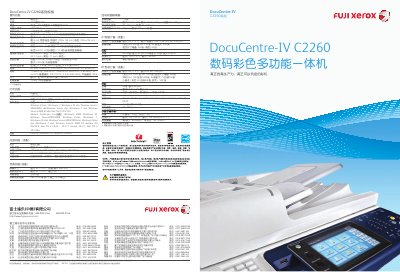
This manual details the specifications, features, and configuration options of the Fuji Xerox DocuCentre‑IV C2260 multifunction printer, including printing, copying, scanning, and fax capabilities. It also describes environmental technologies such as LED scanning and eco‑toner, as well as security and data‑protection features.
The document includes guidance on using the device’s touchscreen interface, optional accessories like binding units, and network settings such as IPv6 support. Service and recycling information are provided to help users maintain and responsibly dispose of the equipment. This manual is written in Chinese.
| Scan resolution | 600 x 600 dpi |
|---|---|
| Memory | 1 GB (max 2 GB) |
| Optional hard drive capacity | up to 80 GB (usable space 40 GB) |
| Power consumption (sleep mode) | 3 W (110 V) / 3.5 W (220‑240 V) |
| Dimensions (W × D × H) | 585 mm × 640 mm × 1132 mm |
| Weight | 114 kg |
| Paper capacity | 2,045 sheets |
It supports a maximum scan resolution of 600 × 600 dpi.
Yes, with the optional USB printing component it can print PDF, TIFF, and JPEG files directly from a USB flash drive without a computer.
Yes, the DocuCentre‑IV C2260 supports IPv6 standards for enhanced network security and routing.