
This is a manual for Samsung Galaxy S II GT-I9008L, which introduces basic usage methods of the phone, including power on, power off, screen lock, screen unlock, dialing, etc.
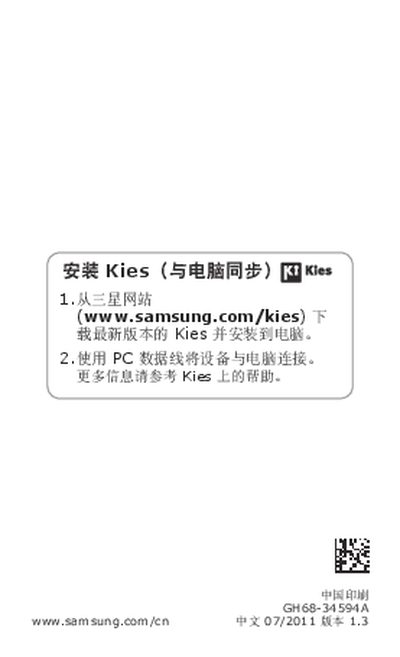
This manual explains how to install Samsung's Kies software on a PC, connect the phone via USB cable, and update the device software. It also describes the safety precautions, icon meanings, and basic functions such as SIM and battery installation, charging, and touchscreen operation.
Additional sections cover the use of applications, customization options, and legal disclaimer information, including SAR limits and copyright notices. This manual is written in Chinese.
Download the latest version of Kies from Samsung's website and install it on your PC, then connect the phone with a USB cable.
The manual provides a guide to the icons, such as the warning icon for notes and the power icon for the power button.