
This document introduces some operation methods and functions on iida Home, including power on/off, language settings, making phone calls, saving contacts, shooting videos and photos, etc. It also provides some commonly used phone numbers and contact information.
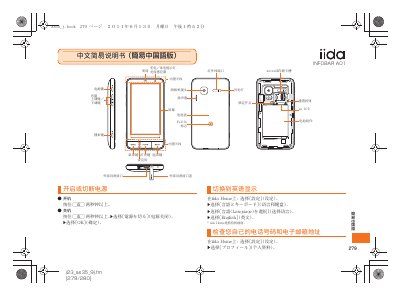
This manual explains how to set up the iida INFOBAR AO1 phone, access its features through the iida Home interface, and perform basic operations such as making calls, managing contacts, and using the built‑in camera. It also covers language selection, volume control, and mute mode.
Detailed instructions are provided for adding and editing entries in the phonebook, initiating and receiving calls, taking photos or video snapshots, and adjusting call settings. The document ends with troubleshooting tips and contact information for support. This manual is written in Chinese.
In iida Home, go to the Phonebook and choose New Registration to add a new entry.
Select the Mute mode option in the settings menu of iida Home.