
The document introduces a multimedia player with USB, MP3, WMA, MPEG-4, JPEG, etc. It features A-B loop, 3D equalizer, etc.
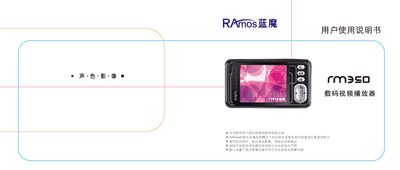
This manual explains how to safely use the Ramos RM350 digital video player, covering precautions such as avoiding high temperature, moisture, and strong impacts, as well as battery care and charging via USB. It also describes the device’s main interface, menu navigation, and key functions like A‑B repeat, lock key, and power reset.
Detailed sections guide users through basic operations, media playback (music, video, images, e‑books), sound recording, file management, firmware upgrades, and troubleshooting. The final part lists the product’s technical specifications, including screen size, supported file formats, storage options, and operating temperature. This manual is written in Chinese.
| Screen | 2.0‑inch true‑color TFT |
|---|---|
| Language Support | Simplified Chinese, Traditional Chinese, English |
| USB Data Rate | USB 2.0 up to 5 MB/s |
| Supported Video Formats | AVCHD, RM, VOB, DAT, RMVB (requires conversion) |
| Maximum Output Power | 10 mW per channel |
| Power Supply | 3.7 V / 500 mA |
| Supported Operating Systems | Windows ME/2000/XP, Windows 98, Mac OS X, Linux 2.4.2 |
Connect the player to a computer’s USB port; it will charge whether the device is on or off.