
This document introduces the features and characteristics of the RAMos V100 product. The product is a multimedia player with the Windows operating system, supporting various formats of audio and video file playback, including MP3, WMA, OGG, WAV, AVI, RM, RMVB, etc. It also features a 2.5-inch TFT LCD screen, FM radio function, flash support, text reading function, etc. The product has a user-friendly interface and rich functions, suitable for users for audio and video entertainment and file reading.
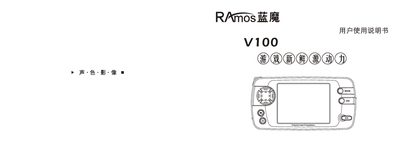
This manual introduces the Ramos V100 portable media player, covering safety precautions, hardware features, and basic operation. It explains how to power the device on and off, navigate menus, and use audio, video, image, and text playback functions.
The guide also details advanced functions such as FM radio, recording, multi‑task playback, and the built‑in EzTranscode video conversion tool. Instructions for software upgrades, language selection, and file management are included, along with troubleshooting tips. This manual is written in Chinese.
| Display | 2.5‑inch TFT color LCD |
|---|---|
| Screen resolution | 320 × 240 px at 25 fps |
Select the Software Upgrade menu, download the latest firmware from the Ramos website, and follow the upgrade steps.
From the main menu choose <我的音乐> and then browse the list; press the play/pause key to start playback.