
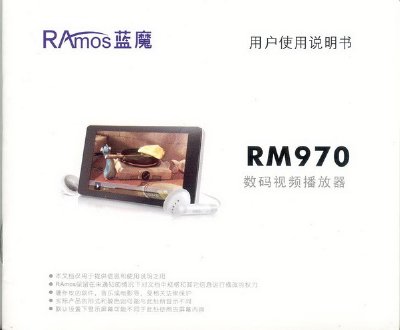
This manual describes the RNM970 digital video player, its main functions, and how to operate features such as music, video, image browsing, e‑book reading, and audio recording. It also covers safety precautions, battery handling, and firmware upgrade procedures.
The guide explains how to connect the device to a computer via USB, manage files, adjust volume, use fast‑forward/rewind, and lock the controls. Technical specifications such as screen size, storage capacity, battery life, and supported media formats are listed in the final section. This manual is written in Chinese.
| USB Interface | High‑speed USB 2.0, up to 4 MB/s |
|---|---|
| Flash Memory | 512 MB – 8 GB |
| Video Playback Time | ≈3–4 hours (headphone output) |
| Audio Playback Time | ≈6–8 hours (screen off) |
| Supported Video Formats | MPEG4 (AVID), RM, RMVB |
| Supported Audio Formats | MP3, WMA, FLAC, APE, AAC |
| Operating Temperature | -5 °C to 40 °C |
| Signal‑to‑Noise Ratio | 85 dB |
It supports MPEG4 (AVID), RM and RMVB video files at a resolution of 400×240.
The battery provides about 3 to 4 hours of video playback when using headphones.