
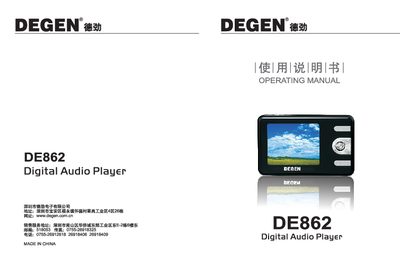
This manual covers safety precautions, device features, and how to operate the DE862 digital audio player. It explains the layout of the 2‑inch TFT screen, navigation using the five‑direction keys, and how to manage music, video, images, e‑books, and games.
It also details system settings such as language selection, backlight control, automatic shutdown, firmware upgrades, and troubleshooting steps for common issues like power problems, file errors, and display glitches. This manual is written in Chinese.
| Screen size | 2‑inch 65K‑color TFT |
|---|---|
| Screen resolution | 220 × 176 pixels |
| Supported audio formats | MP3, WMA, WAY |
| Supported languages | Simplified Chinese, Traditional Chinese, English |
Press the MI and REC keys simultaneously to lock the keys; press the same combination again to unlock.
Install the firmware upgrade tool (Consumer.exe) on a computer, connect the player via USB, and run the tool to perform the upgrade.
Enter the menu, select the format option, confirm the dialog by choosing “Yes”, and the device will format the memory.