
This manual introduces the basic operation methods of DEGEN DE858 digital audio player, including: power on/off, play and pause, fast forward and rewind, volume adjustment, mute, replay, recording, timer recording, loop playback, random playback, single playback, etc.
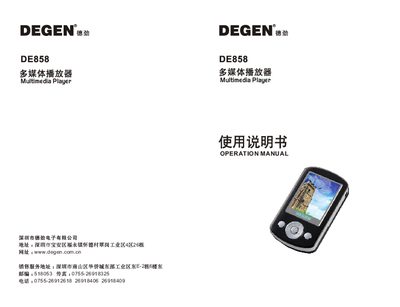
This manual explains how to set up and operate the DEGEN DE858 multimedia player, covering basic functions such as music, video, image, e‑book playback, FM radio, and USB file transfer. It also includes safety precautions, battery charging procedures, and troubleshooting tips.
The document details the device’s hardware specifications, supported media formats, and button functions, helping users navigate menus, manage files, and customize settings like equalizer modes and power‑off timers. This manual is written in Chinese.
| Memory Capacity | 512 MB / 1 GB / 2 GB |
|---|---|
| Screen Size | 2.0‑inch TFT |
| Resolution | 220 × 176 pixels |
| Audio Recording Format | WAV |
| Video Playback Format | AVI |
| Image Format | JPG |
| USB Interface | USB 2.0 |
| MP3 Bitrate | 8‑320 kbps |
| WMA Bitrate | 5‑384 kbps |
| Battery Type | Lithium‑polymer |
| Weight | ≈ 59 g (including battery) |
| Dimensions | 81 mm × 46 mm × 13.5 mm |
Check the battery level and charge the device; if the battery is low the player will shut down automatically.
Connect the player to a PC via the USB cable; a removable disk appears in “My Computer” for uploading or downloading files.