
DEGEN DE855 is a multimedia player that supports SD card, USB interface, FM radio. It supports MP3, WMA format audio, AVI, MP4, SWF format video and JPEG format images.
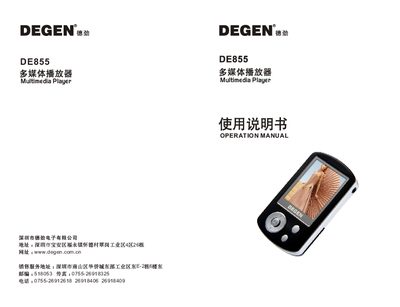
The Degen DE855 is a portable multimedia player featuring a 2.0‑inch TFT color screen, built‑in high‑fidelity speaker, and support for audio, video, image, e‑book, and game files. It includes functions such as FM radio, USB 2.0 transfer, SD‑card expansion, firmware upgrade, and A‑B repeat playback.
The manual covers safety precautions, component layout, power‑up and shutdown procedures, basic navigation, media playback, recording, learning mode (e‑book and dictionary), extended functions (clock, calendar), firmware upgrade steps, USB connection to a computer, and a troubleshooting guide with common error solutions. This manual is written in Chinese.
| Internal storage | 512 MB / 1 GB / 2 GB |
|---|---|
| Display | 2.0‑inch TFT, 220 × 176 pixels |
| Supported video format | AVI (MP4 video format listed) |
| Supported audio formats | MP3 (8‑320 kbps), WMA (5‑384 kbps) |
| Supported image format | JPG |
| Recording format | WAV |
| USB interface | USB 2.0 (HS transfer) |
| Weight | ≈ 59 g (including battery) |
| Dimensions | 81 × 46 × 13.5 mm |
The shutdown timer may be set too short or the battery level is insufficient; charge the battery properly before use.
Check that the computer’s USB ports are enabled, the USB cable is not damaged, and that the motherboard supports USB; you may need to update the BIOS/driver settings.