
This manual provides detailed instructions on how to use the phone, including battery removal, SIM card installation, memory card installation, resource management, network camera, power on and power off, etc.
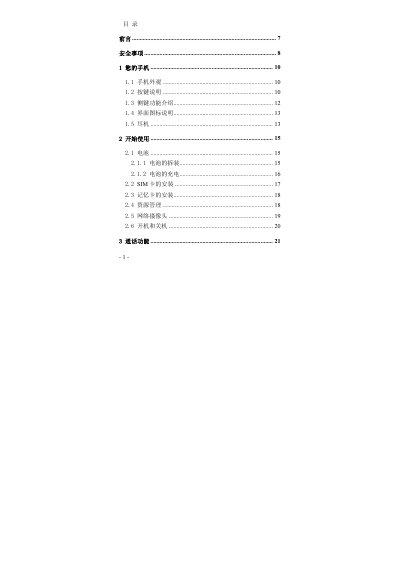
This manual covers the phone’s appearance, button functions, SIM and memory card installation, battery handling, and network camera usage. It also explains how to make and receive calls, use various input methods, and navigate menus with touch, voice, and shortcuts.
Safety guidelines are detailed, including restrictions on use while driving, on airplanes, in hospitals, at fuel stations, and near medical devices such as pacemakers. Maintenance tips advise proper handling, charging, and storage to extend the device’s lifespan. This manual is written in Chinese.
The phone should be kept at least 20 cm (6 inches) away from a pacemaker.
You should turn off the phone when you are at a gasoline station or other fuel‑related areas.
It is recommended not to use the phone while driving; stop the vehicle before using it.