
This manual introduces the hardware installation, system installation, and common problem solving of Fang Zheng computer
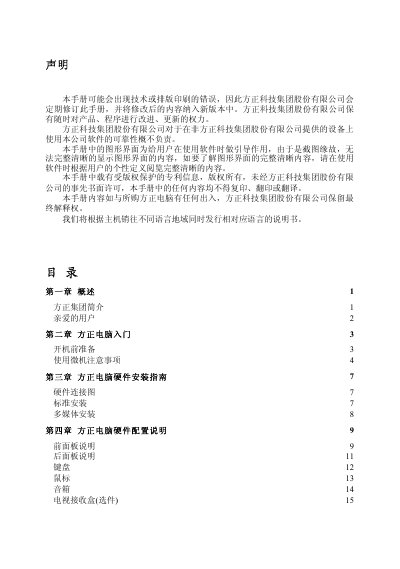
This manual covers the overview of Founder Group, preparation before powering on, hardware connection diagrams, standard and multimedia installations, and safety precautions. It also includes detailed instructions for installing the pre‑installed Founder Red Flag Linux or Windows operating systems and a comprehensive troubleshooting section.
Additional sections provide a list of authorized service centers, a packing list, and contact information for support. The document is intended for end users to safely set up and maintain their Founder computer. This manual is written in Chinese.
| Supported AC voltage | 110 V or 220 V |
|---|---|
| Maximum power‑cord length | 4.5 m |
No. The manual warns not to insert a 110 V power cord into a 220 V outlet.
The computer is pre‑installed with Founder Red Flag Linux Chinese operating system.
The manual lists authorized service institutions with addresses and contact numbers in the appendix.