
This document is the instruction manual for the Sony HT-DB750 HT-DB1750 HT-DB1850 home cinema system.
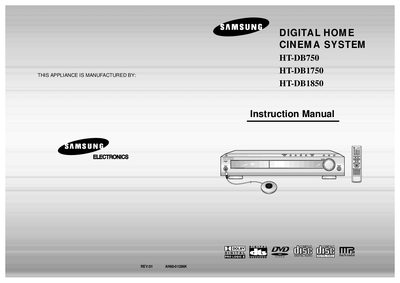
This manual begins with safety warnings, including laser‑radiation cautions and electric‑shock risks, and gives detailed guidance on positioning the unit, connecting speakers, antennas, and video cables, and preparing the remote control. Installation tips cover proper ventilation, grounding, and handling of discs to avoid damage.
The later sections describe the system’s features such as multi‑disc playback, built‑in 5.1‑channel amplification, and automatic screen‑saver functions. It also explains how to use the remote, set up audio and subtitle options, and provides a full specifications table for power, dimensions, audio output, and supported disc formats.
| Power Consumption | 230W |
|---|---|
| Weight | 9.3 kg |
| Dimensions (W × H × D) | 430 mm × 75 mm × 368 mm |
| Operating Temperature Range | +5 °C to +35 °C |
| Front Speaker Output | 86 W × 2 (6 Ω) |
| Center Speaker Output | 86 W (6 Ω) |
| Rear Speaker Output | 86 W × 2 (6 Ω) |
| Subwoofer Output | 100 W (6 Ω) |
| Frequency Range | 20 Hz to 20 kHz |
| Signal‑to‑Noise Ratio | 75 dB |
LD, CD‑G, CD‑I, CD‑ROM and DVD‑ROM are not supported and will display a “WRONG DISC FORMAT” message.
Opening the unit and defeating interlocks can expose you to invisible laser radiation; avoid exposure to the beam.
Do not open the rear cover; the unit has no user‑serviceable parts and should be serviced only by qualified personnel.