
This manual is a guide on using the Samsung Camera, including capturing images, downloading images, and using the application software. Please read this manual carefully before using your new camera. The figures used in the manual are based on the Digimax U-CA 501 model.
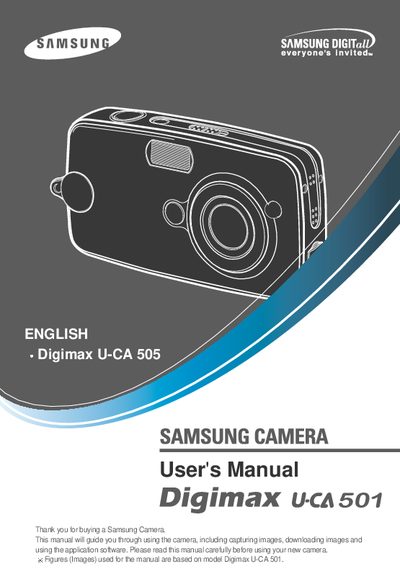
This manual guides you through installing the camera driver, connecting via USB, and using the camera’s functions such as shooting, playback, and voice memo recording. It also covers menu navigation, image handling, and optional features like PictBridge and software installation.
Safety information includes warnings about battery handling, flash use, and operating the camera near heat, liquids, or explosive gases. Contact Samsung service centers for repairs and refer to the specifications section for battery and memory card details.
| Memory card compatibility | DPOF compatible SD memory card |
|---|