
This is a user manual for Philips PD7030 portable DVD player, which introduces the features and usage of the product.
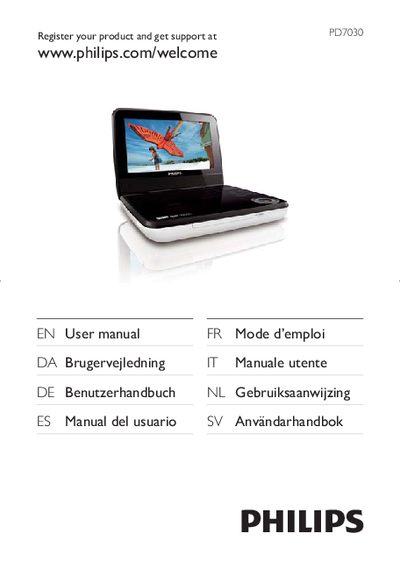
This manual introduces the Philips PD7030 portable DVD player, lists the contents of the box, and describes the main unit’s controls and connectors. It also explains how to register the product for support at www.philips.com/welcomePD7030.
The guide covers safety precautions, battery handling, how to play discs and USB media, adjust settings such as language, video output and Dolby audio, and provides detailed troubleshooting steps for common issues like no power, no sound, or disc playback problems.
| Dimensions | 195 x 154 x 37 mm |
|---|---|
| Weight | 0.675 kg |
| Power supply input | 100‑240 V~ 50/60 Hz |
| Power supply output | DC 9 V 0.8 A |
| Power consumption | 7.2 W |
| Operating temperature range | 0‑45 °C |
| Laser wavelength | 650 nm |
| Video output format | PAL & NTSC |
| Audio output level | 2 V ± 10 % (10 kΩ load) |
| Frequency response | 20 Hz‑20 kHz ± 1 dB |
Visit www.philips.com/welcomePD7030 and follow the on‑screen instructions to register the product.
It can play DVD‑Video, Video CD, Audio CD, MP3 CD, DivX, and discs containing JPEG files.
Set the volume low, increase gradually until comfortable, and keep listening periods reasonable to avoid hearing damage.