
This document is about the user manual of a certain brand and model DVD player, which contains usage precautions and safety warnings
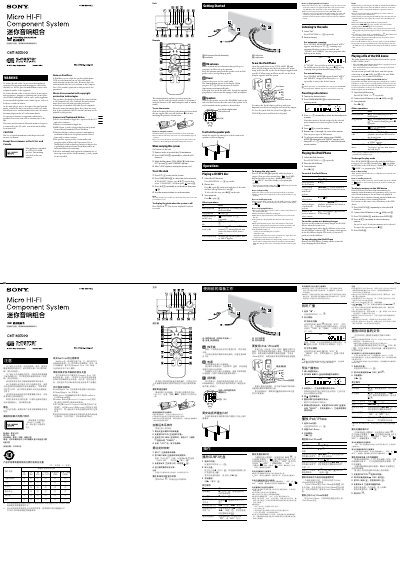
This manual explains how to set up the Sony CMT‑MX500i micro HI‑FI component system, including connecting the power cord, speakers, antenna and optional USB device. It also covers safety precautions such as keeping ventilation clear and avoiding exposure to liquids.
Detailed operating instructions cover remote battery installation, clock setting, CD/MP3 playback, USB playback, FM radio tuning, and using the iPod/iPhone dock. Compatibility notes for DualDisc, protected audio discs and supported audio formats are also included.
| Maximum number of folders on USB device | 255 (including root folder) |
|---|---|
| Maximum number of MP3 files on USB device | 511 |
| Maximum folder depth on USB device | 8 levels |
| Remote battery life | about six months |
The remote batteries last about six months with normal use.
Press the TIMER MENU button, then use the number keys to set hours and minutes, and confirm with the ENTER key.
No. The system is designed for iPod/iPhone only and cannot connect other portable audio players.