
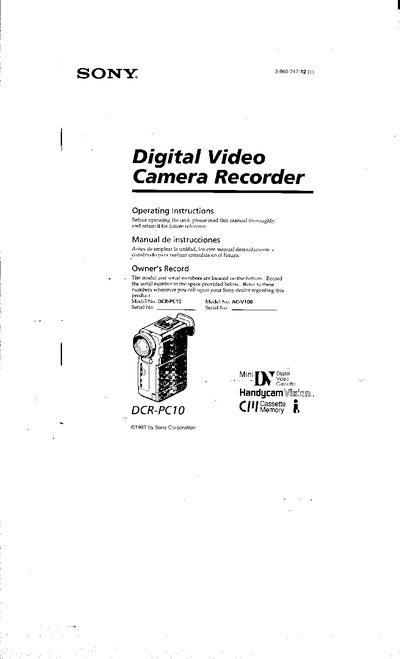
This manual accompanies the Sony DCR‑PC10 Handycam Vision digital camcorder. It introduces the device, its accessories, and safety precautions for handling the camcorder and its lithium‑ion battery.
The guide covers getting started, basic and advanced shooting functions, power options, cassette handling, playback, editing features, maintenance tips, and a troubleshooting section with warning indicators and specifications.
Connect the AC power adaptor, align the battery pack hooks, plug the power cord into a wall outlet; the CHARGE lamp (orange) lights up and turns off when charging is complete.
Disconnect the power source and contact your Sony dealer or an authorized service facility.
No, the unit must not be exposed to rain or moisture to avoid fire or electric shock hazards.