
This manual introduces the basic operations of the camera, including taking pictures, recording videos, recording sounds, playing, deleting photos or videos, protecting pictures, and DPOF printing.
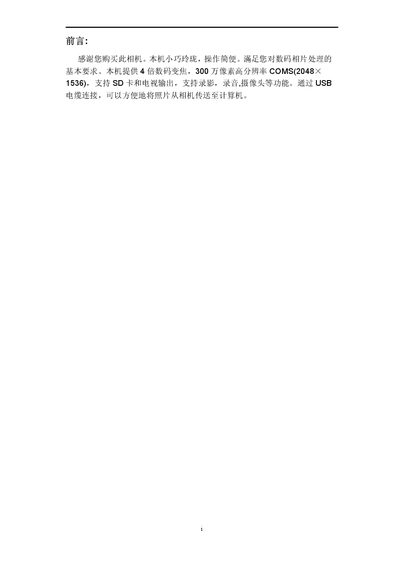
The guide begins with a quick start section that lists the package contents and introduces the camera's components, including the front and rear views, buttons, LCD, and ports. It then details how to install the AAA batteries and SD card, and explains basic operations such as power on/off, time/language settings, formatting storage, and using various shooting modes.
Later chapters cover advanced settings, connecting the camera to a PC or TV via USB or video output, installing software, and a comprehensive troubleshooting section that addresses common issues like power problems, storage errors, and image quality concerns. Safety and handling recommendations are provided at the end. This manual is written in Chinese.
| Digital Zoom | 4x |
|---|---|
| Resolution | 3 MP (2048 × 1536) |
| Battery Type | 3 × AAA 1.5 V alkaline |
| Storage Media | SD card (supports internal memory) |
Press the power button; you will hear two beeps and the LED turns green for power on, and the same button powers it off.
Enter the menu, select the Format option, confirm the warning, and the camera will erase all data on the selected storage.
Press the MODE button to open the main menu, navigate to the language submenu, select the desired language, and confirm with OK.
Check that the batteries are inserted correctly and have sufficient charge; replace them if necessary.