
This digital camera has three modes (Capture, Playback and Audio/Video mode) to take photos, record videos and audio. It features 6.36 million pixels, 4.8x optical zoom and 8x digital zoom, 32MB internal memory and can take macro, regular and far-distance pictures. Through USB cable connection, photos can be easily transferred from camera to computer. It also provides TV-output function to operate using TV.
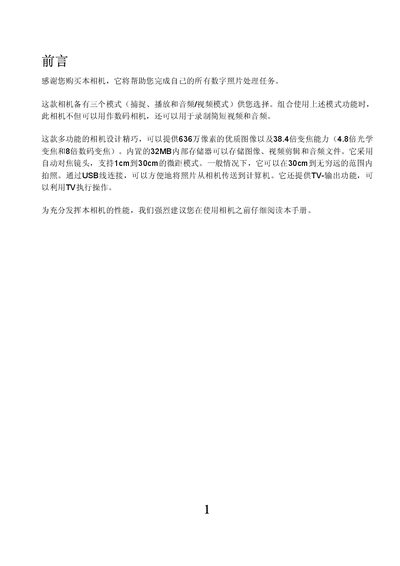
The manual begins with an introduction and safety notes, then guides the user through unpacking, inserting the NP‑40 battery and SD card, and configuring basic settings such as language, date, and time. It describes power on/off procedures, auto‑focus operation, optical (4.8×) and digital (8×) zoom, and how to capture photos, record video, and play back media.
Additional sections cover formatting the internal memory or SD card, using the flash, deleting files, and detailed specifications of the camera's sensor, lens, storage, display, and dimensions. The document ends with a multilingual support list and software bundle information. This manual is written in Chinese.
| Image sensor | 6.36 MP |
|---|---|
| Optical zoom | 4.8× |
| Digital zoom | 8× |
| Internal storage | 32 MB NAND flash |
| Battery type | NP‑40 lithium‑ion |
| LCD screen | 2.5" LTPS TFT LCD |
| Dimensions | 97 × 55 × 24.8 mm |
| Weight (without battery) | 140 g |
Enter the menu, select the “Format” option, confirm the “Format SD card?” prompt, and press the shutter button to start formatting.